Data display 2.8” MFD28 Gen.2 | fits Hyundai i30 / i30N (GD/PD) | CANchecked

€548.99*
Delivery time: approx. 3-7 working days*

Finanzieren Sie ihren Einkauf über die Targobank.
Ratenrechner
Ihre Monatsraten
Kaufpreis:
Monatliche Rate:
Zinsen:
Gesamtbetrag inkl. Zinsen:
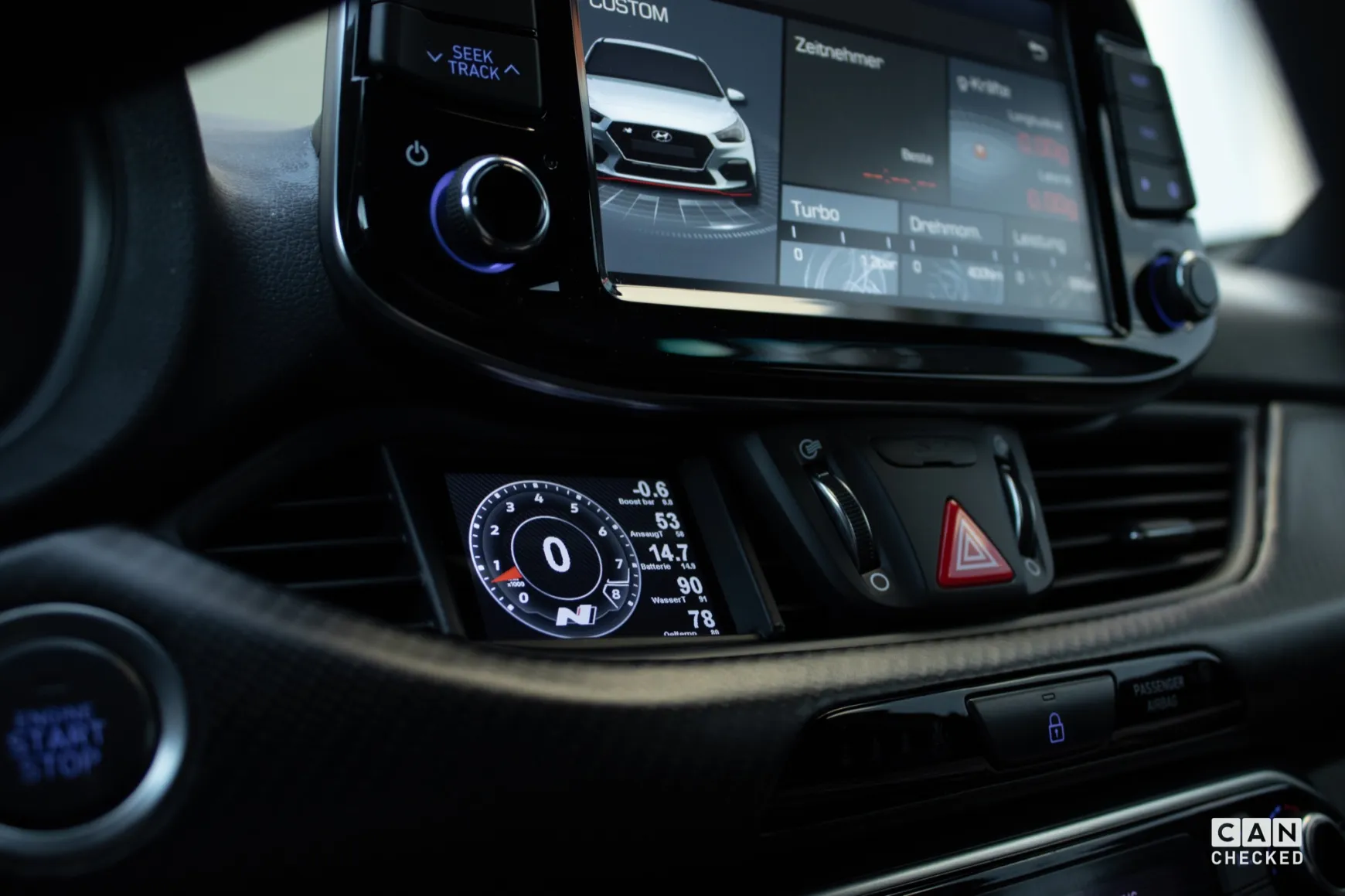
Your Hyundai i30/i30N is missing a data display!
We have: The CANchecked MFD28 Gen.2 for the Hyundai i30/i30N (Model GD 2011-2017, Model PD from 2017).
Access to all data from the engine:
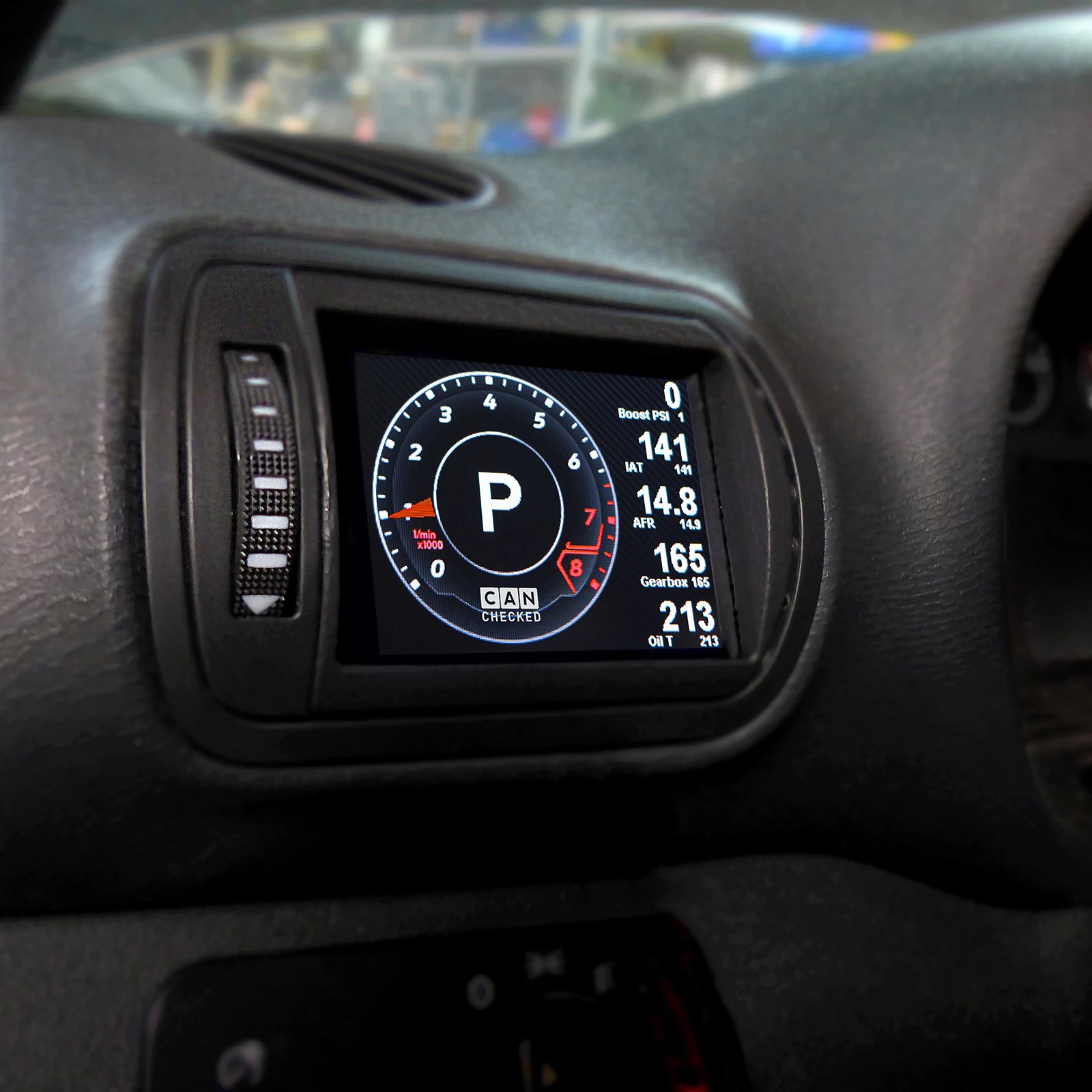
The sensors are queried directly via Can Bus and are displayed on our proven MFD28.
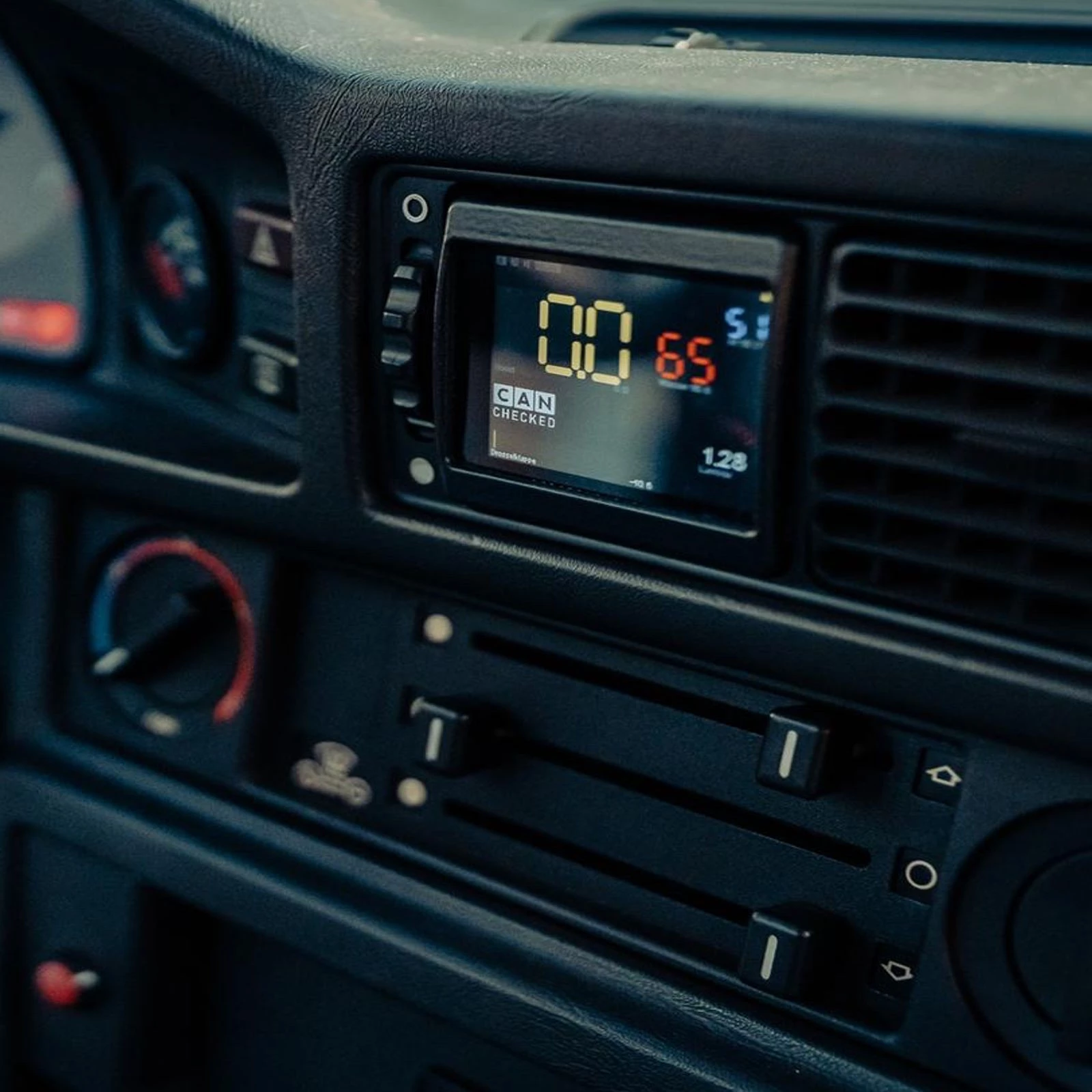
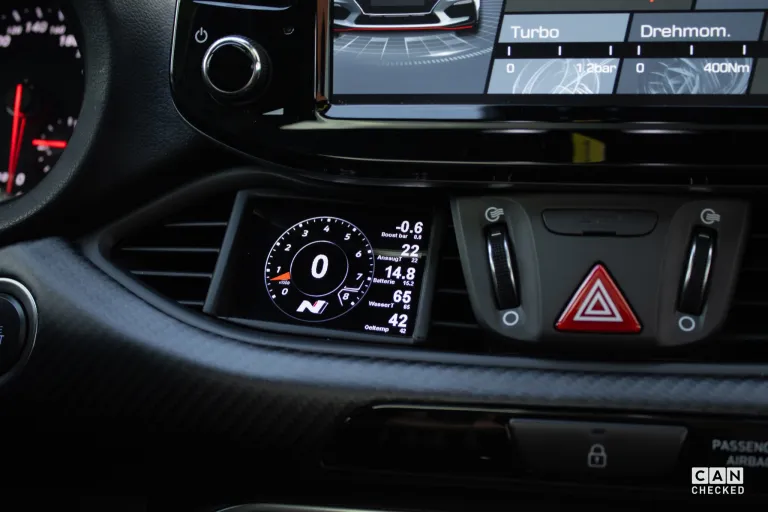
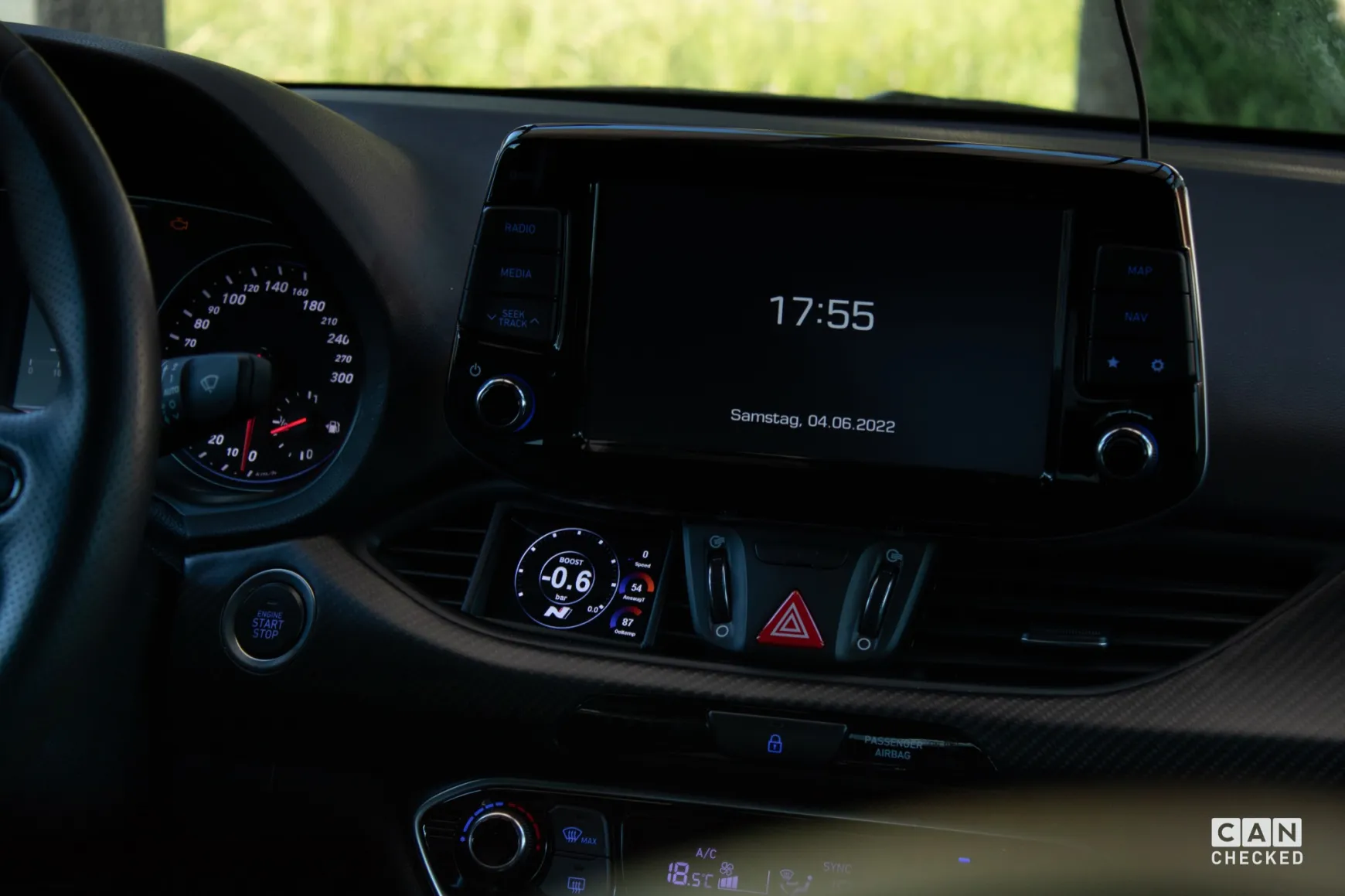
The display for the Hyundai i30/N comes with a vehicle-specific cover and fits into the interior like an original part. This means that the ventilation through the slots remains intact.
Our display emulates a manufacturer tester so that all detailed values are available. We have optimized the protocol to achieve maximum polling speed.
Details:
- integrates perfectly into the vehicle interior
- Up to 64 sensors can be queried
- 10 individually configurable views with our DSS - Display Setup Software
- ready-made views for a quick start with our display
- simply plug and play via our cable set - plug in, done
- 4 additional analog inputs for exhaust gas temperature, oil pressure and more
- Best readability - optional anti-reflective film included
- Query the sensors like manufacturer diagnostic tools
Performance Meter:
Measure your acceleration times in our performance widget - 0-100, 100-200, 0-200
Data Jogging:
Log all data to the internal SD card. Whether “on-demand” (start at the tap of a finger) or permanently. All data from your last turn is saved.
Preset alarms:
Preset alerts can be easily activated and customized. For example, receive a large warning message if the exhaust gas temperature is above 900 degrees.
4 additional analog inputs:
Additional temperature and/or pressure sensors can be connected for further monitoring options. e.g. exhaust gas temperature or exhaust gas back pressure. An ethanol sensor can be connected to one of the digital inputs.
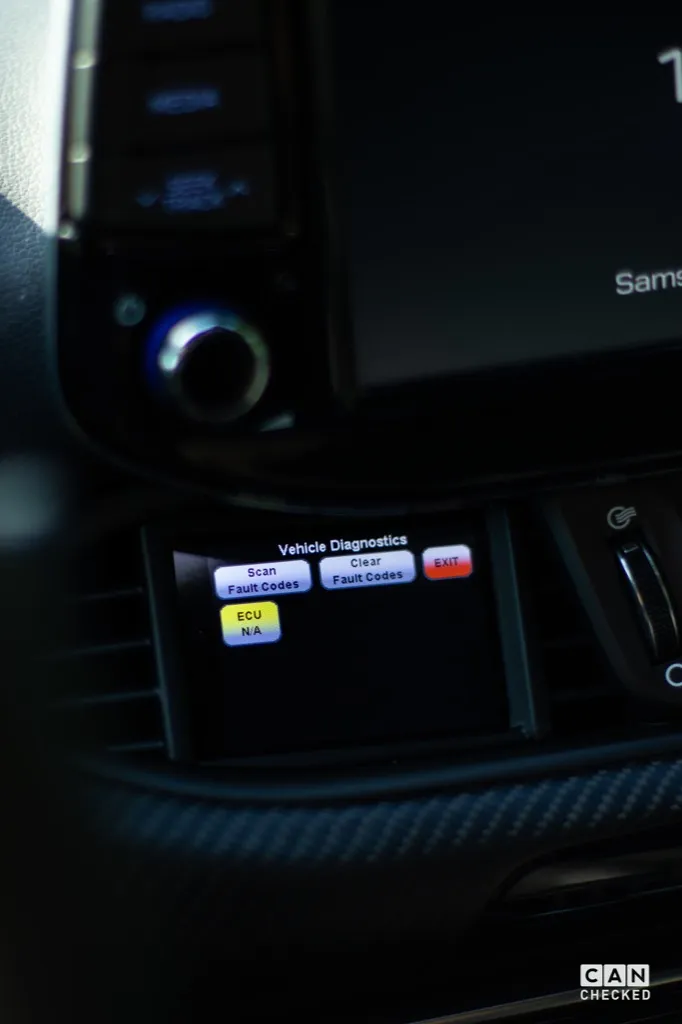
Read out/delete errors:
Read out errors from the engine control unit in plain text and also delete them
Individual design
Whether it's the individual start screen or the selection from a variety of different widgets. Make the display your display!
Access to all data from the engine control unit:
We supply your display with a ready-made TRI file as standard. All sensors that are queried are defined here.
Temperatures:
Engine water temperature, oil temperature, intake temperature
Pressures:
Boost pressure, ambient pressure, fuel pressure High-pressure pump
Lambda/mixture:
Lambda value target/actual, injection time, short-term lambda adjustment, long-term lambda adjustment
Other:
RPM, air mass (g/s), vehicle speed, throttle valve angle, total ignition angle, ignition angle per cylinder, terminal 30 voltage, gear
If values are missing, they can easily be added. It always depends on the engine whether it supports the values, sometimes not all sensors are available.
For which engines and models is the Hyundai i30 N display:
The bezel of the display fits all Hyundai i30 (GD) and a bezel for the i30 Facelift (PD) is also available - the respective version for RHD (right-hand drive) is also available. The data may vary between the different engines.
If you have any questions, please contact us - please always tell us the exact vehicle type and engine.
Read out and delete errors:
Swipe down to access the “DTC” (Diagnostic Trouble Codes = fault memory). The display reads the fault memory from the engine. Optionally, you can also delete these directly on the display.
Errors for the engine are displayed in plain text so that you can decide for yourself whether you can continue driving.
MFD28 Technical data:
- Dimensions: 70.3 x 52mm
- Hardware: 2.8” TFT screen, touchscreen, MicroSD, MicroUSB
- High-quality milled aluminum front frame
- Symmetrical display - ideal for rotating it by 90
- Views completely freely configurable on the PC with our DSS - Display Setup Software
- Up to 64 widgets per display
- 64 sensors (Can Bus + internal)
- 10 views
- 4x analog inputs
- Optional external switching flash
- Can bus switching
- Can Bus protocols: UDS, KWP2000, OBD
Supported values:
Many customers always ask: “Which values can I query from my control unit”. The answer: “ALL”. Our MFD28 is compatible with ISO 11898-2 and SAE J2284.
The control unit manufacturers themselves determine which values are sent via the CAN bus interface. The documentation is important here - possibly even in the form of a DBC file that can be imported directly. You can also access our extensive list of already implemented control units. This can be found in the download area. A total of up to 50 sensors can be queried if the manufacturer supports this.
Broadcast data as well as OBD2 queries via Can Bus (11bit/29bit) are implemented. Special protocols such as TP2.0 from VW/Audi and UDS are also available.
DSS - Display Setup Software:
With our DSS - Display Setup Software, the display can be conveniently configured on the PC. The Can Bus protocol can be customized, you can import DBC files and design the displays with your own widgets.
The log viewer downloads log files from the display. These can then be viewed and values can be individually selected and scaled.
A built-in Can Bus logger allows you to take a close look at the log. This can be used to reverse-engineer unknown Can Buses.
Zuletzt gesehene Produkte