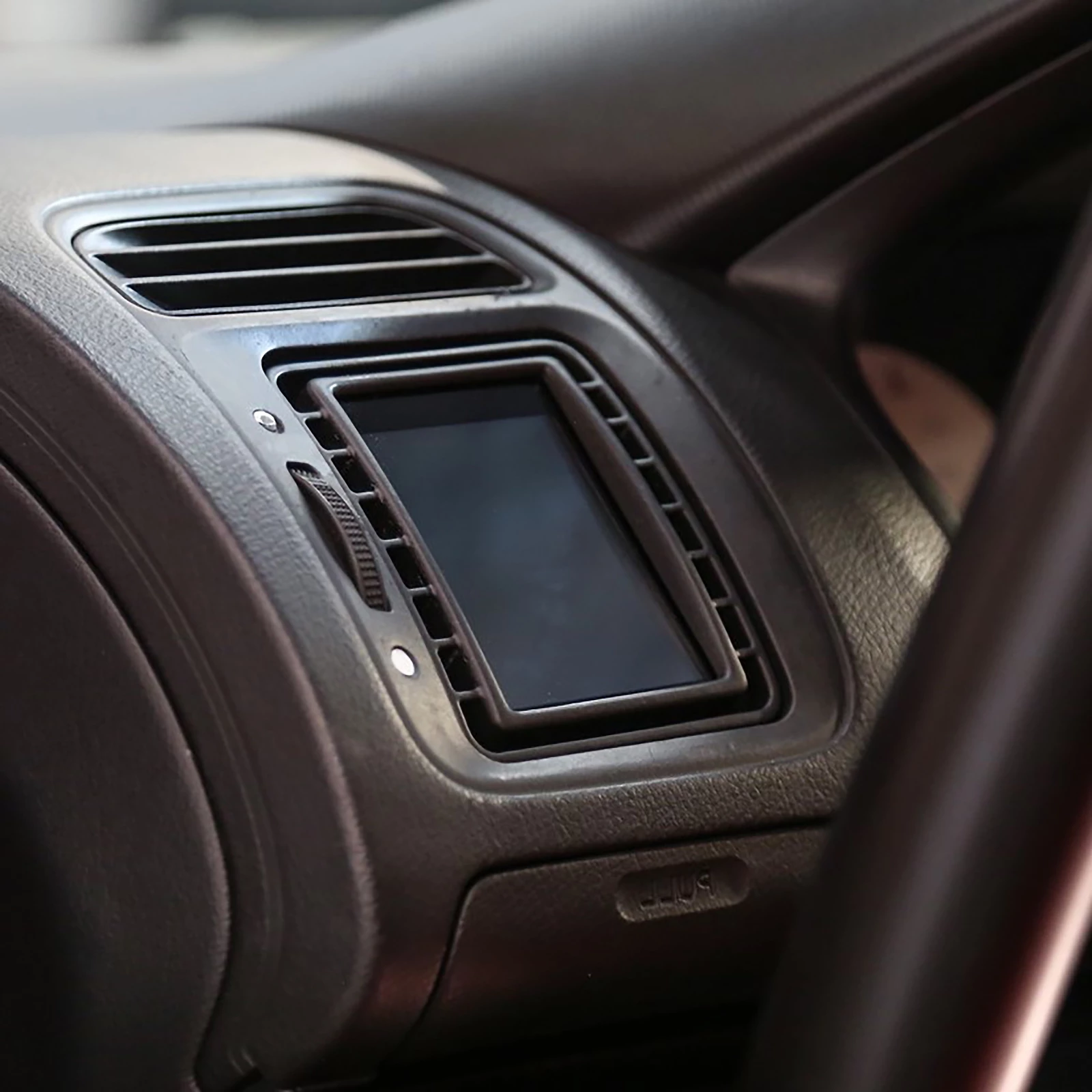
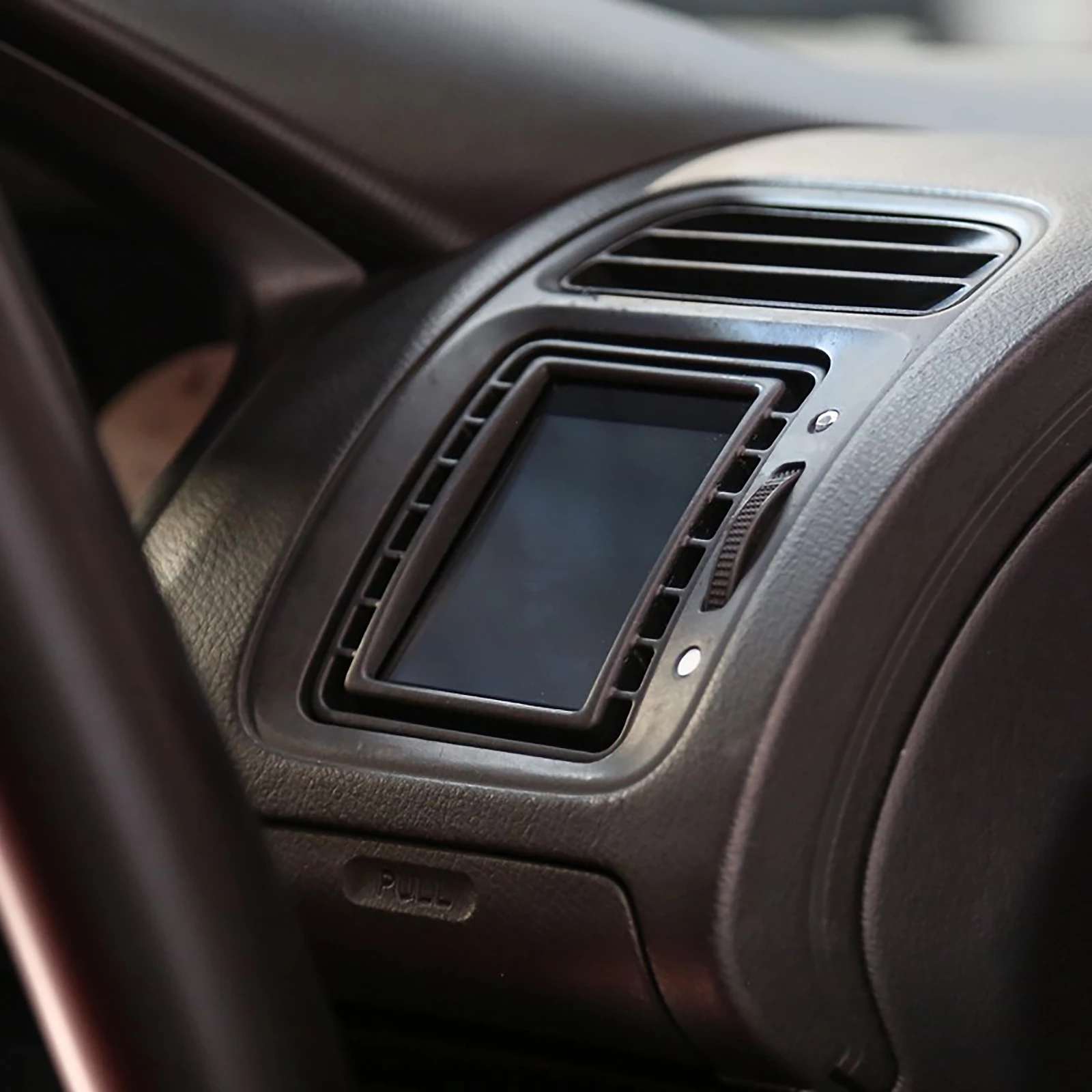
Data display 2.8" MFD28 Gen.2 | fits Honda Civic Mk7 Type R (EP3) | CANchecked

€548.99*
Delivery time: approx. 3-7 working days*

Finanzieren Sie ihren Einkauf über die Targobank.
Ratenrechner
Ihre Monatsraten
Kaufpreis:
Monatliche Rate:
Zinsen:
Gesamtbetrag inkl. Zinsen:
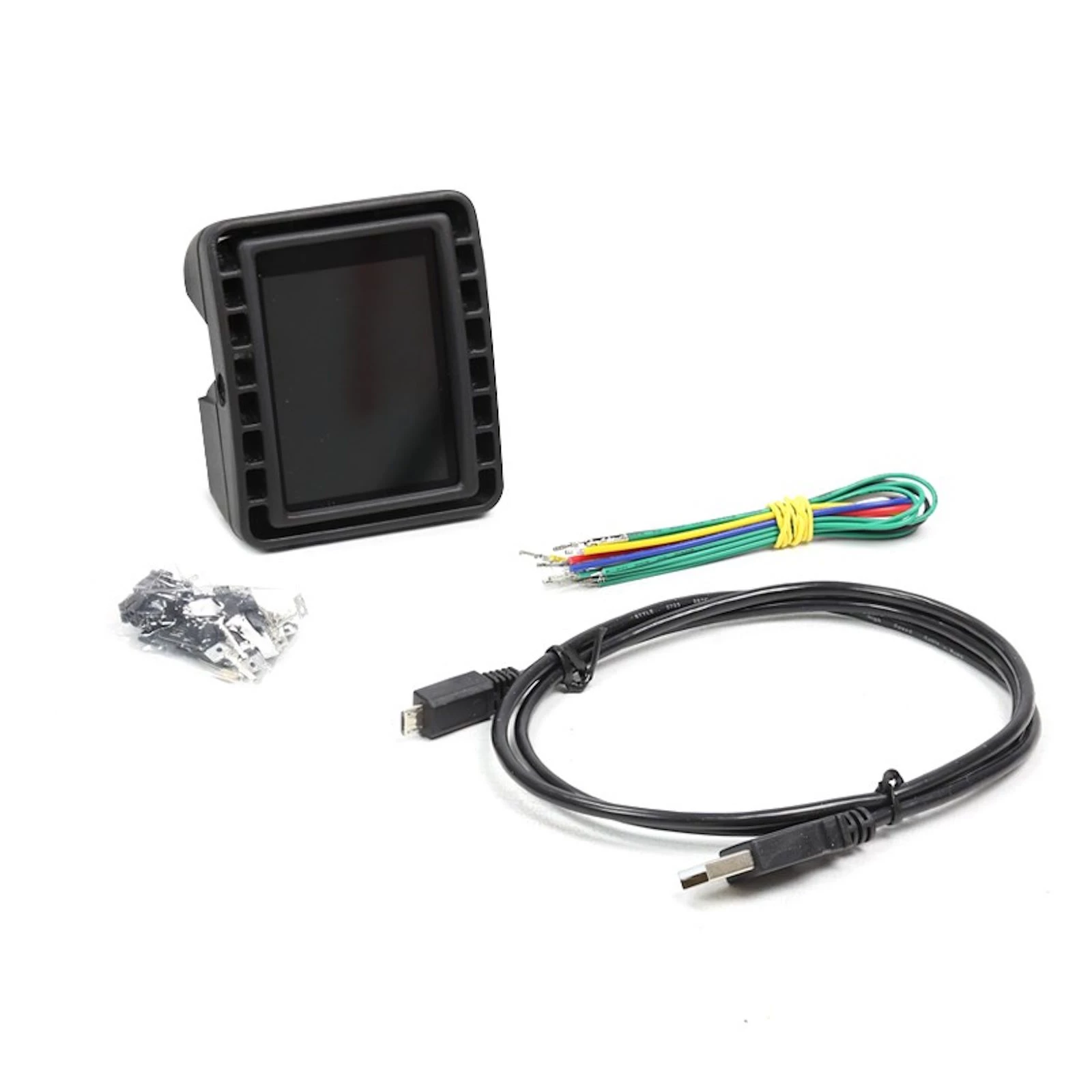
The CANchecked MFD28 Gen.2 for the Honda Civic Mk7 (EP3).
Access to all engine data:
The sensors are queried directly via Can Bus and are displayed on our tried and tested MFD28.
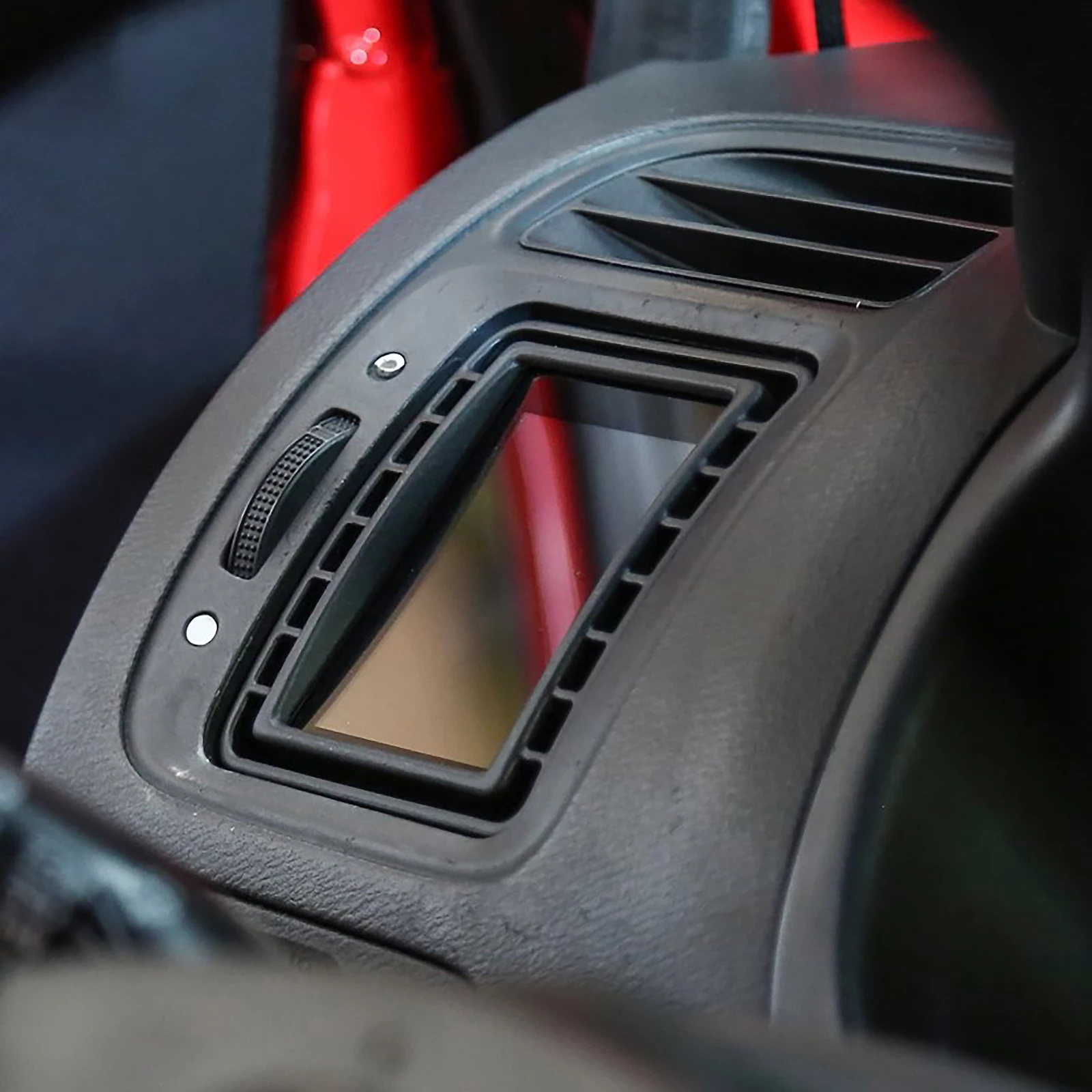
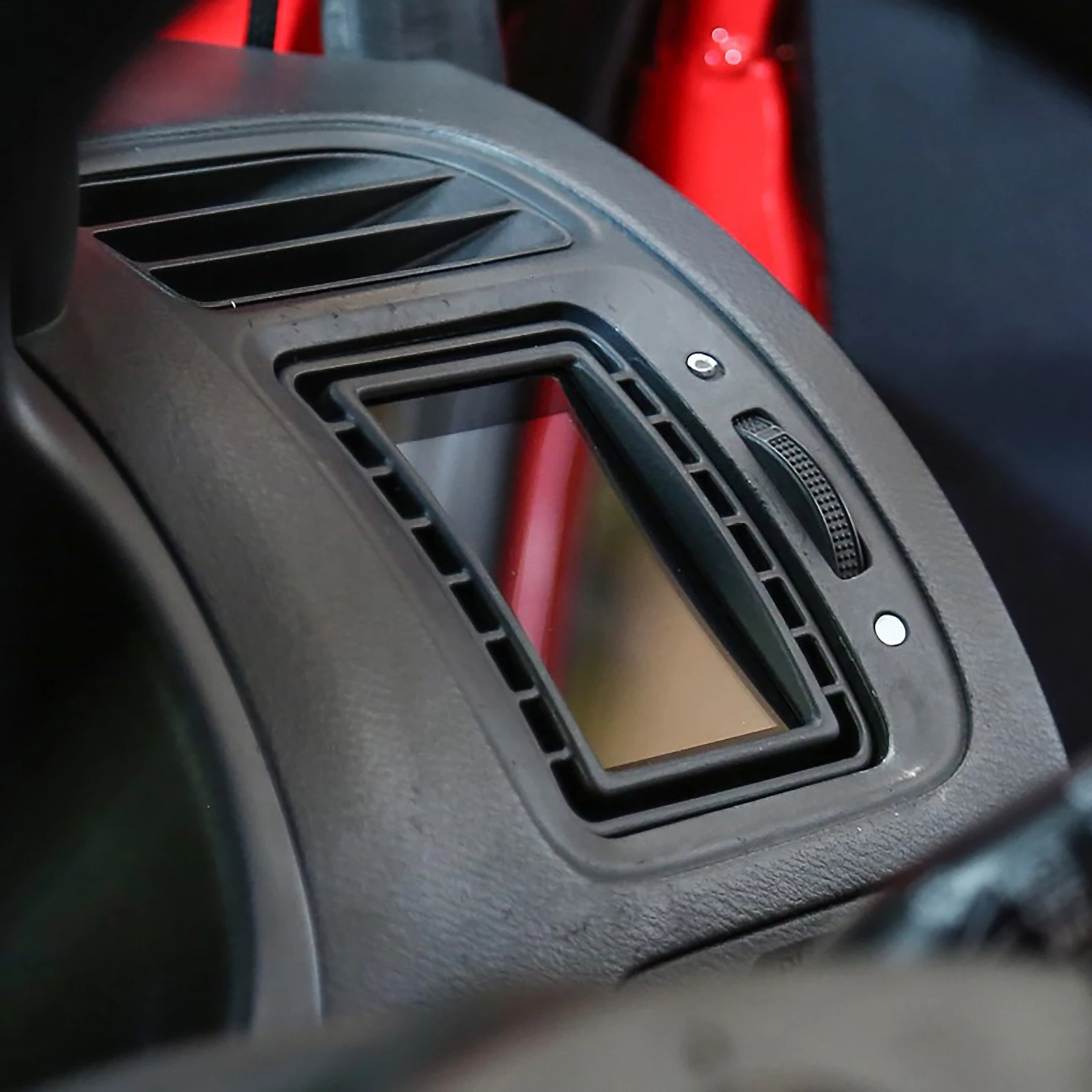
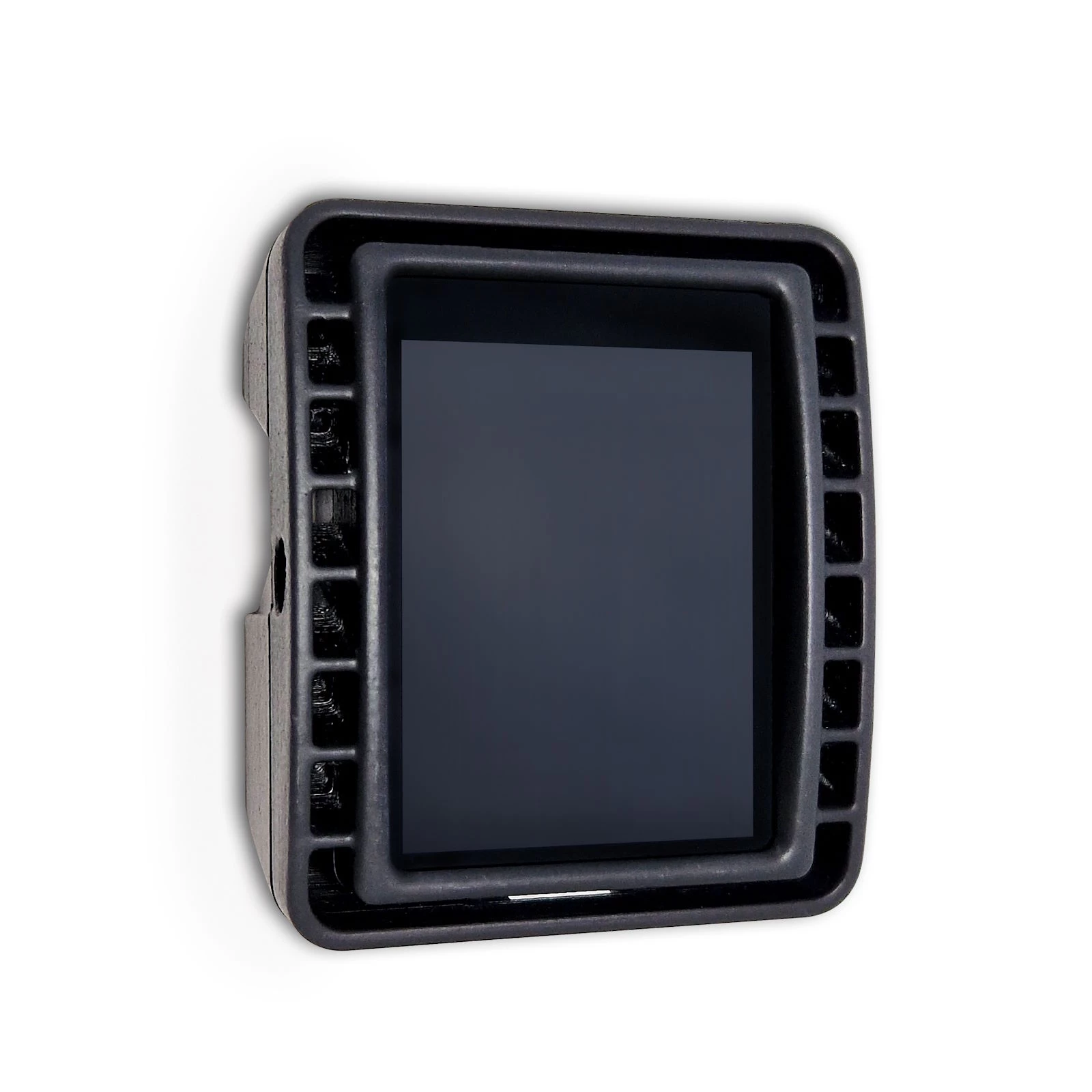
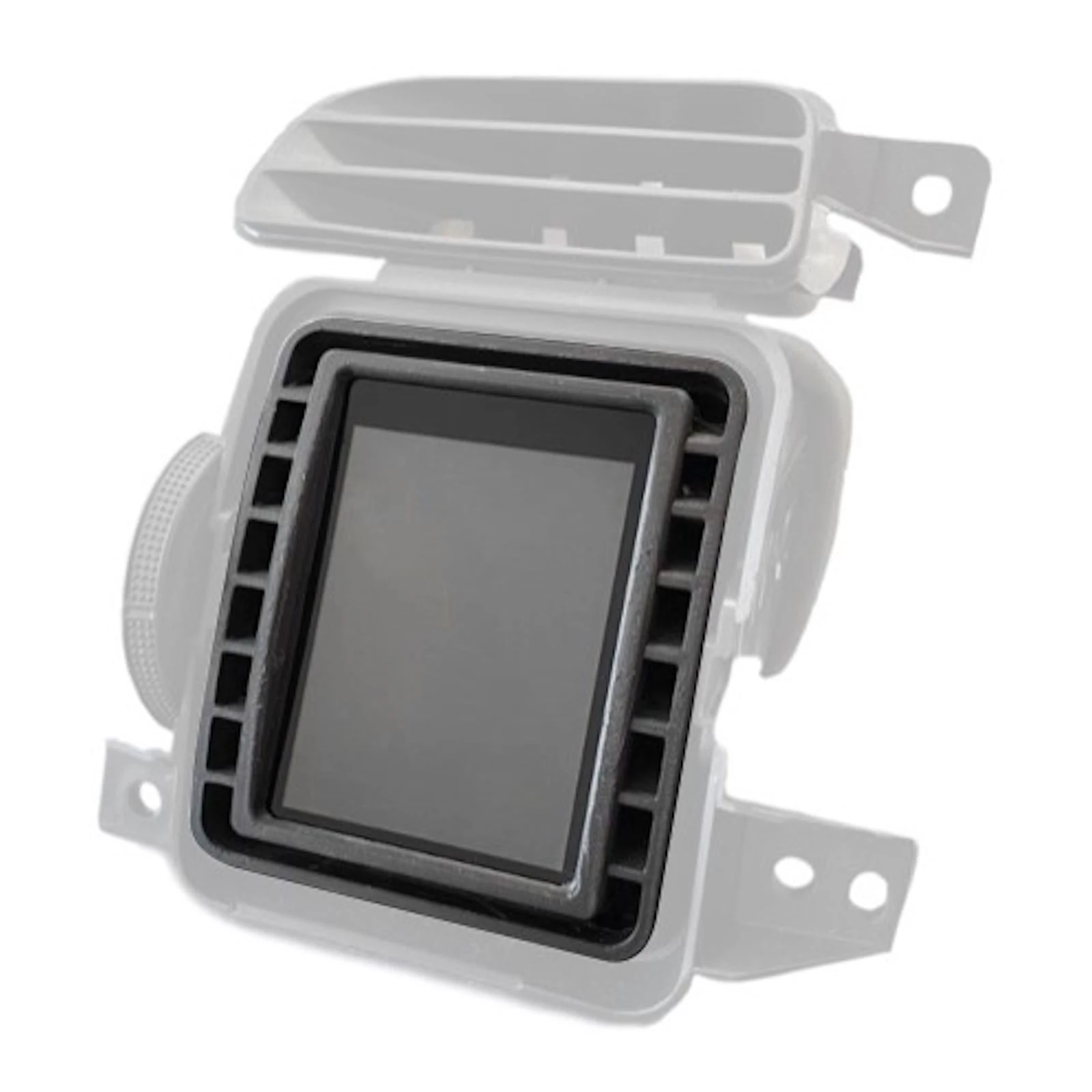
The display for the Honda Civic Mk78 Type R comes with a vehicle-specific cover and fits into the interior like an original part. This means that the ventilation remains intact through the slots.
Our display emulates a manufacturer's tester so that all detailed values are available. We have optimised the protocol to achieve maximum polling speed.
Details:
- Haldex control for GEN1 and GEN2 Haldex
- 2.8-inch capacitive touch display incl. vehicle-specific installation frame for ventilation panel
- Integrated shift light function
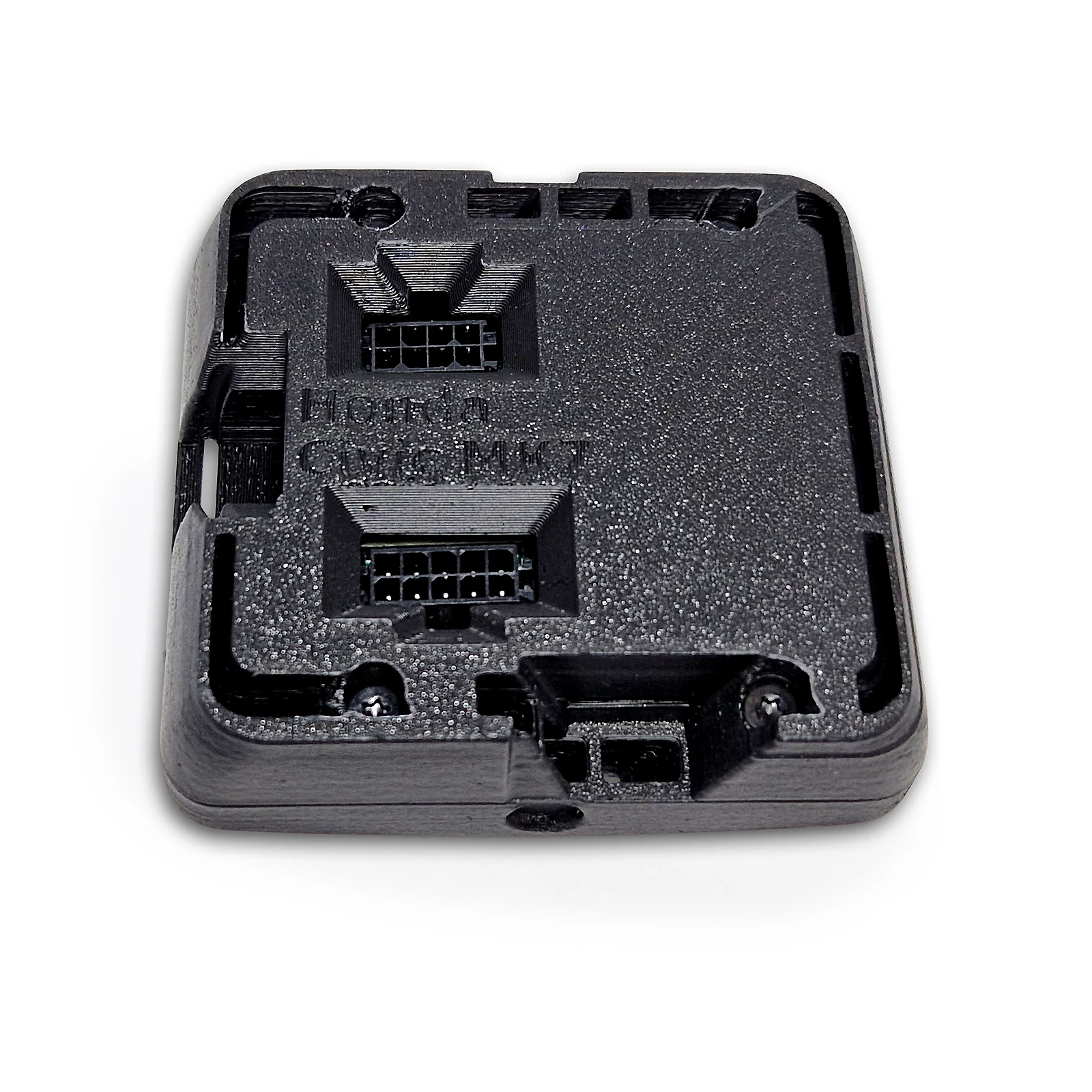
- Connection via Can-Bus and serial interface
- CAN bus values can be displayed
- 2 digital and 4 analogue inputs for 0 - 5V sensors (e.g. oil pressure, fuel pressure, exhaust gas temperature (with type K converter) and boost pressure)
- 8GB SD card memory
- Up to 10 freely configurable pages
- CAN bus switching
- Data logging
- Performance meter (measure times e.g. 100-200 km/h)
- Individual minimum and maximum warning values
- Pop-up function when values are exceeded or not reached
- Adjustable screen brightness
Views:
- 10 pages freely configurable
- Up to 17 widgets per page
- 10 different widgets (digital number, bar, speed, single pointer, log, tableswitch, image (from SD card), number, circle display, Haldex)
- Widgets can be moved and resized using drag'n'drop
- Colour adjustment possible depending on widgets
Performance meter:
High-speed CAN integration allows you to access up to 128 vehicle sensors to view in real time, swap sensors on the fly using the 2.8"/3.2" touchscreen and set up customised ranges and alerts using the DSS software
Data Jogging:
Easily access the log on demand and save to the internal SD card.
Four different logging types are available:
1. USB: logs all sensor data live via USB
2. SD card: all sensor data is logged to the SD card
3. debug: all CAN bus data is logged via USB.
4. sDbg: all CAN bus data is saved to the SD card (CAN bus logger)
The logviewer is available online for analysing the log. Simply load the log file and use the intuitive interface.
Diagnostic function:
Swipe down from any page to diagnose the fault memory immediately. CANchecked can read, diagnose and clear codes for engine, ABS, transmission, ESP, TPMS and other systems.
Plug & Play installation:
In addition to the universal variants, ANchecked also offers displays with vehicle-specific installation frames. These are precision-manufactured and fit perfectly into the interior of your vehicle without hindering the functionality of your vehicle's ventilation system.
Expandable functionality:
Haldex control unit for VAG Haldex GEN 1 and Gen 2 generation (*Please follow CANchecked Haldex installation instructions before purchasing!)
4 analogue and 2 digital inputs enable the monitoring of sensors and devices from other manufacturers. Future licences under development will allow the integration of water-methanol injection systems and ethanol fuel systems.
Your data, the way you want it:
CANchecked can display up to ten pages and has access to up to 128 of your vehicle's sensors (OBD 2 vehicles with optional CANchecked OBD 2 harness only). Use the touchscreen to navigate between the individual pages and select which sensor you want to display. Need more customisation options? You can personalise your views by customising the graphics, sensors and widgets using the supplied DSS software. We have already loaded some examples onto your CANchecked display to help you get started.
Supported values:
Many customers always ask: "Which values can I query from my control unit". The answer: " ALL " The control unit manufacturers themselves determine which values are sent via the interface and document them accordingly. Up to 128 sensors can be queried with the display if the manufacturer supports this.
Supported control units:
All control units with a documented CAN bus or serial interface are generally supported. The latter is only possible with an optional serial adapter. The manufacturers usually supply a "dbc" file, which is then converted into a .tri file for the display. This can also be done by the customer himself using the DBC converter via the manufacturer's website.
The following control units have already been implemented:
- Hondata
- trijekt (Premium, Bee, trigifant)
- Megasquirt 2 and 3
- k-data KDFI
- UMC1/UMC2
- EFIgnition
- Microsquirt
- EcuMaster EMU (classic with Can-Bus adapter: EMU Black)
- AIM generic protocol
- LinkECU
- Haltech v2
- MME ECU481 with Can Bus
- SCS Delta GDI4 and Delta
- VAG (Audi / VW / Seat)
- Van kronenburg KMS MD35 (MP25 with CAN bus adapter)
- VEMS with serial adapter
If your control unit is not listed, please contact us.
Scope of delivery:
- CANchecked 2.8 inch display incl. vehicle-specific installation frame
- Micro-SD card adapter
- Quickstart Guide
- Connector A, connector B
- Pre-crimped cables
- Four mounting screws
- 8 GB micro SD card (installed)
- Display film
- 2x 1K1 pull-up resistor (for NTC)
- Additional pins to crimp yourself
Dimensions:
- Opening 73x54.4mm
- Aperture 87.5x58mm
- Depth 29mm
MFD28 Technical data:
- Dimensions: 70.3 x 52mm
- Hardware: 2.8" TFT screen, touchscreen, MicroSD, MicroUSB
- High-quality milled aluminium front frame
- Symmetrical display - ideal for rotating it by 90°
- Views completely freely configurable on the PC with our DSS - Display Setup Software
- Up to 64 widgets per display
- 64 sensors (Can Bus + internal)
- 10 views
- 4x analogue inputs
- Optional external switching flash
- Can bus switching
- Can Bus protocols: UDS, KWP2000, OBD
Supported values:
Many customers always ask: "Which values can I query from my control unit? The answer: "ALL". Our MFD28 is compatible with ISO 11898-2 and SAE J2284.
The control unit manufacturers themselves determine which values are sent via the CAN bus interface. The documentation is important here - possibly even in the form of a DBC file that can be imported directly. You can also access our extensive list of already implemented control units. This can be found in the download area. A total of up to 50 sensors can be queried if the manufacturer supports this.
Broadcast data as well as OBD2 queries via Can Bus (11bit/29bit) are implemented. Special protocols such as TP2.0 from VW/Audi and UDS are also available.
DSS - Display Setup Software:
With our DSS - Display Setup Software, the display can be conveniently configured on the PC. The Can Bus protocol can be customised, you can import DBC files and design the displays with your own widgets.
The log viewer downloads log files from the display. These can then be viewed and values can be individually selected and scaled.
An in-built Can Bus logger allows you to take a close look at the log. This can be used to reverse-engineer unknown Can Buses.
Zuletzt gesehene Produkte
Content: 0.01 Liter (€1,999.00* / 1 Liter)
Content: 0.1 Liter (€1,190.00* / 1 Liter)